
WordPress Development Services: What Should Be Included?
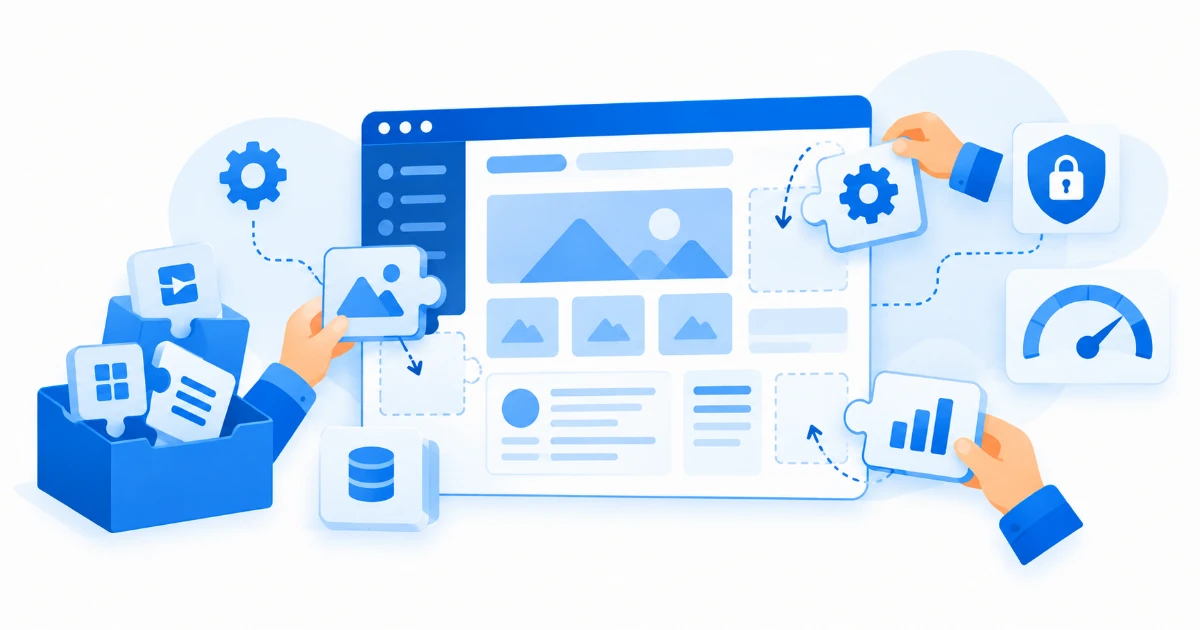
WordPress powers a huge share of the web, so there is no shortage of people offering to build your site on it. The hard part is knowing what you should actually get when you pay for WordPress development services. Here is what a professional build includes, so you can compare offers properly.
A Proper Setup, Not Just an Install
Anyone can install WordPress in five minutes. A professional setup means reliable hosting configuration, a clean database, an SSL certificate, and sensible settings for permalinks, comments and media. These small choices affect speed and security for the life of the site.
Design Built for Your Business
A bought theme with your logo dropped in is not the same as design work. A good build starts from your content and your customers: page layouts that match what you sell, clear calls to action, and a mobile layout designed on purpose, not squeezed down as an afterthought. If your site also needs broader brand or interface work, that is where UI/UX design comes in.
Careful Plugin Choices
Plugins are WordPress’s strength and its biggest risk. Every plugin is code someone else maintains, and abandoned or bloated plugins are the top cause of hacked and slow WordPress sites. A professional developer keeps the list short, chooses well-maintained plugins, and explains what each one does.
Security and Backups From Day One
WordPress sites are constant targets for automated attacks. Your build should include a security plugin or hardening, automatic backups you can actually restore from, and a plan for updates to WordPress core, themes and plugins. WordPress.org’s own hardening guide lists the basics every site needs.
Speed Work
Slow pages lose visitors and rankings. Expect image compression, caching, and a theme that does not load ten scripts on every page. You can test any page yourself with Google’s PageSpeed Insights.
A Site You Can Edit Yourself
The whole point of WordPress is that you should not need a developer for every small change. A good handover includes a quick walkthrough: how to edit pages, publish blog posts, and swap images. Still deciding between WordPress and a fully custom build? Our WordPress vs custom website guide covers that choice.
Ongoing Care
WordPress is not build-once-and-forget. Updates, backups and small fixes keep it safe and fast. Ask what happens after launch before you sign anything.
Want this handled end to end? See our WordPress development services or talk to our team about your site.
Have a Project in Mind?
We build websites, WordPress sites, mobile apps and UI/UX design.
Get in Touch